

Less dependence on external editors and manual pages.
Authoring tool integrated with Moodle · BUILDS
Content Studio
Visual authoring integrated with Moodle, with structured content for the platform's accessibility resources.
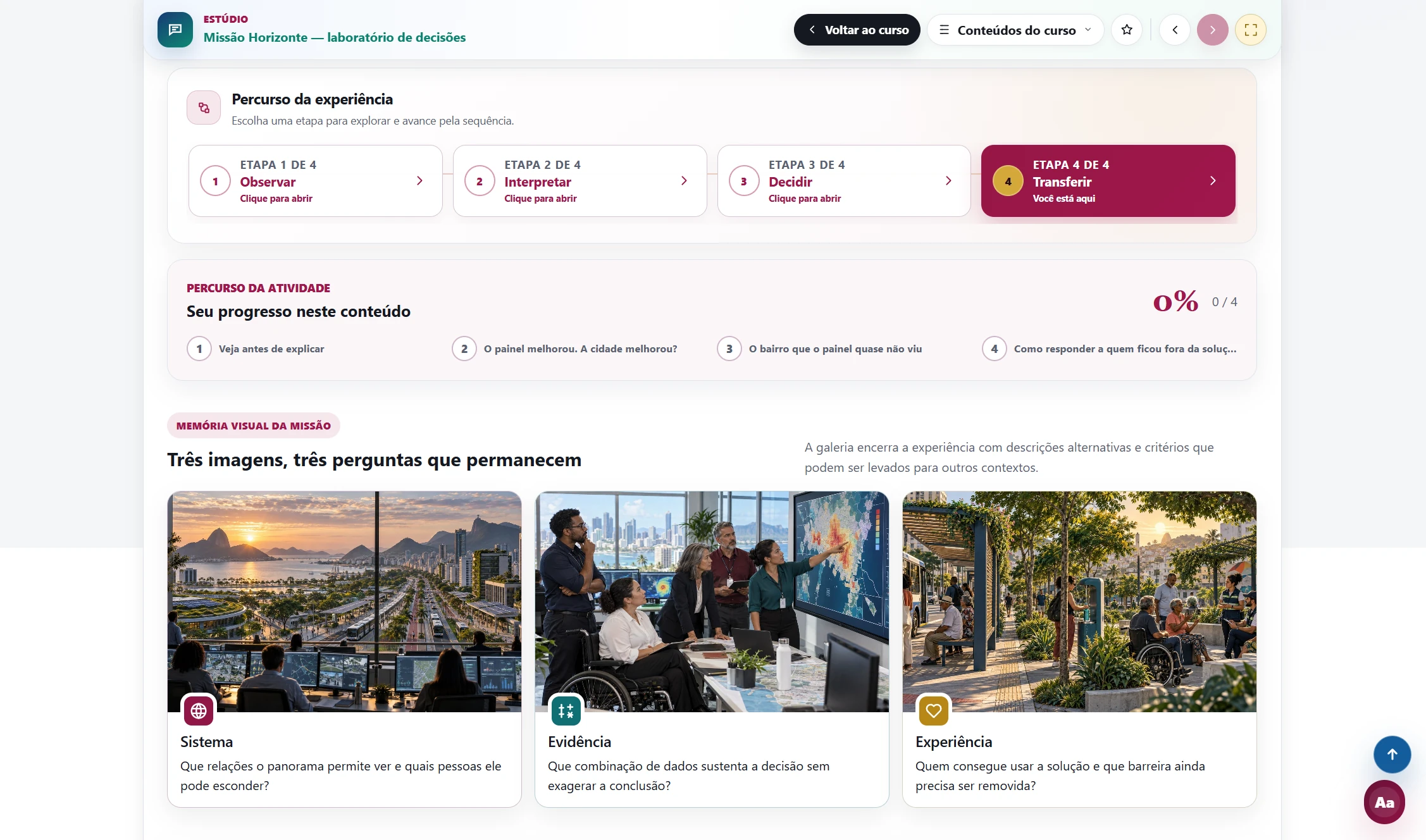
A visual editor brings together 31 content and interaction components. Published content remains structured in Moodle so screen readers and plugins for assisted reading, low vision, and sign-language translation can interpret the experience.
What it does
From planning to accessible publishing in one environment.
Creates multi-page experiences in a three-panel visual editor.
Combines content, quizzes, cases, comparisons, maps, tabs, accordions, and other interactions.
Publishes structured Moodle content available to screen readers and plugins for sign-language translation, assisted reading, and low vision.
Records completion, attempts, and progress inside Moodle.
What changes
Richer, more consistent, inclusive content that is easier to maintain.
A common language across authors, courses, and units.
Interaction, accessibility, and monitoring preserved in the institutional environment.
Visual evidence
See the solution in action.
Explore the screens and discover the experience at every stage.
A multi-page journey with clear navigation, progress, and responsive visual composition.
Screen 1 of 5Teams create richer experiences without giving up identity, data, accessibility, or continuity.
A complete institutional solution
From planning to accessible publishing in one environment.
A visual editor brings together 31 content and interaction components. Published content remains structured in Moodle so screen readers and plugins for assisted reading, low vision, and sign-language translation can interpret the experience.
01
Creates multi-page experiences in a three-panel visual editor.
Configured inside Moodle and aligned with the institution's identity, operating model, and learning context.
02
Combines content, quizzes, cases, comparisons, maps, tabs, accordions, and other interactions.
Configured inside Moodle and aligned with the institution's identity, operating model, and learning context.
03
Publishes structured Moodle content available to screen readers and plugins for sign-language translation, assisted reading, and low vision.
Configured inside Moodle and aligned with the institution's identity, operating model, and learning context.
04
Records completion, attempts, and progress inside Moodle.
Configured inside Moodle and aligned with the institution's identity, operating model, and learning context.
Who it is for
Richer, more consistent, inclusive content that is easier to maintain.
Less dependence on external editors and manual pages.
This outcome is built into the journey and can be adapted to the institution's audiences, courses, and governance.
A common language across authors, courses, and units.
This outcome is built into the journey and can be adapted to the institution's audiences, courses, and governance.
Interaction, accessibility, and monitoring preserved in the institutional environment.
This outcome is built into the journey and can be adapted to the institution's audiences, courses, and governance.
Guided implementation
A clear path from diagnosis to operation.
Instituto Olam maps the context, configures the solution, and validates the experience with the team before launch.
Understand the context
We review the current Moodle environment, the audiences, and the operational goals.
Configure and integrate
We adapt identity, rules, content, and integrations to the approved scenario.
Validate and evolve
The team tests the journey, receives guidance, and defines the next improvements.
Frequently asked questions
What your team needs to know before starting.
Direct answers about implementation, adaptation, and continuity.
Applied to your scenario